OIXIO’s Illustrations serve as visual representations used to convey ideas, objects, or narratives. They have the ability to convey messages quickly, enable animation and interactivity, and simplify complex concepts.
Using illustrations
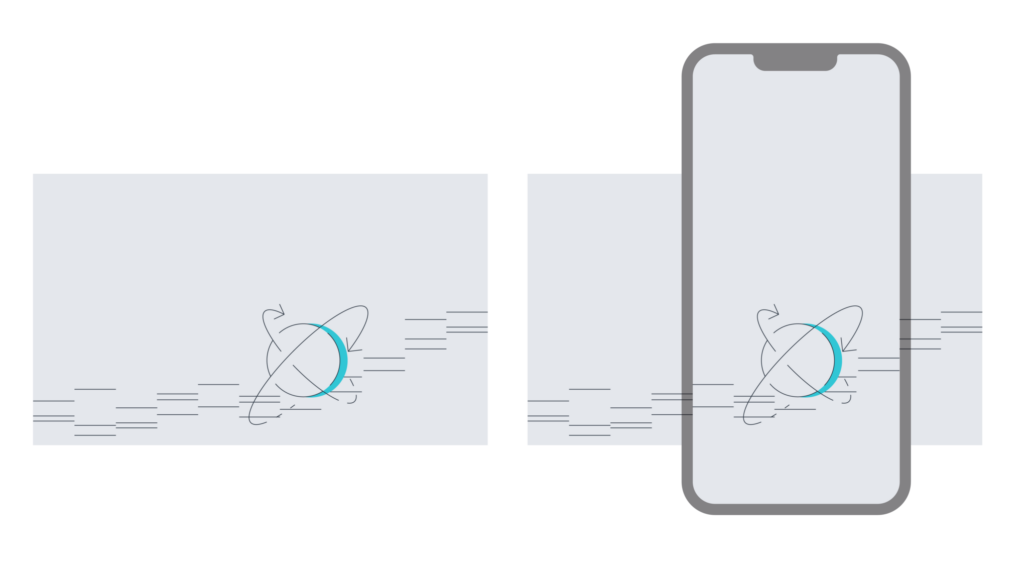
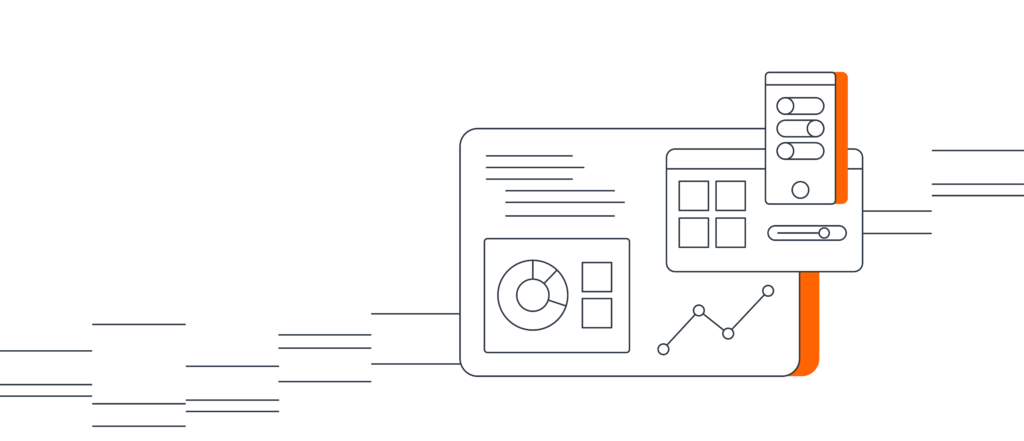
Integrate illustrations to enrich our visual branding, fulfilling both decorative and explanatory roles. The aim for these illustrations is to complement text, eliminating the need for absolute clarity in the drawings. They should remain simple and suggestive, with the final clarity achieved through the accompanying text.
Creating illustrations
If you find yourself without an illustration for your topic, consider whether you can convey your message without a new illustration. Alternatively, explore the possibility of using a sub-brand illustration from the existing library.
The complexity and level of detail in your topic may discourage the creation of a new illustration, particularly if it would result in a convoluted and challenging visual. In such cases, opt for textual expression.
Upon deciding to create an illustration, follow these steps:
▪ Identify the main value or technical feature you wish to highlight and select the corresponding primary visual elements.
▪ Steer clear of commonly used visuals in the field, or present them in a fresh combination to distinguish your illustration from those seen before.
▪ When drawing, adhere to appropriate line widths and colors based on the illustration’s intended placement.
▪ Aim for simplicity in your visuals, omitting unnecessary lines or surfaces that don’t contribute to conveying the idea or symbol.
▪ Maintain uniform line width across all illustrations.
▪ For visual consistency, ensure that 80% of the drawing form consists of geometric elements—predominantly straight lines and clean curves.
▪ In illustrations involving Digital Space, maintain consistent line width throughout.
▪ Adhere to sub-brand color rules, incorporating 10-20% color, with the color surfaces representing shadows of drawing details.
▪ Prefer SVG over PNG as the output format for its superior visual quality at all sizes.
Illustrations Library
We are curating a collection of illustrations for use within OIXIO. Please explore the library to find suitable illustrations for your specific needs. When you create a new illustration, ensure it is added to the library for wider accessibility.
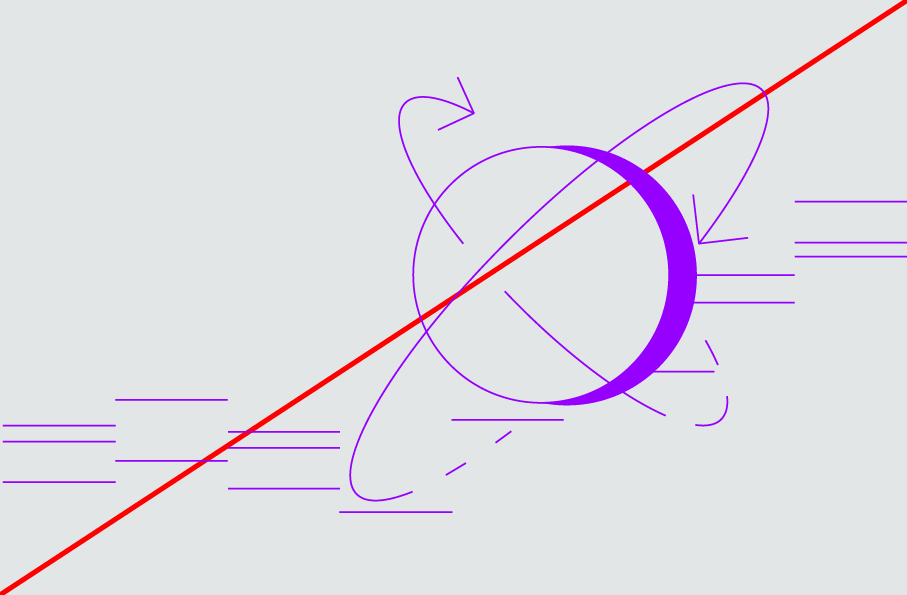
Dont’s

OIXIO
Positive


Negative


Grey

Coloured X – OIXIO Group

X with all backgrounds (white, gay, dark) for IT, Digital, Cyber, Advisory



Download
OIXIO Advisory
Positive


Negative


Grey

Download
OIXIO Cyber
Positive


Negative


Grey

Download
OIXIO Digital
Positive

Negative


Grey

Download
OIXIO IT
Positive


Negative


Grey

Download


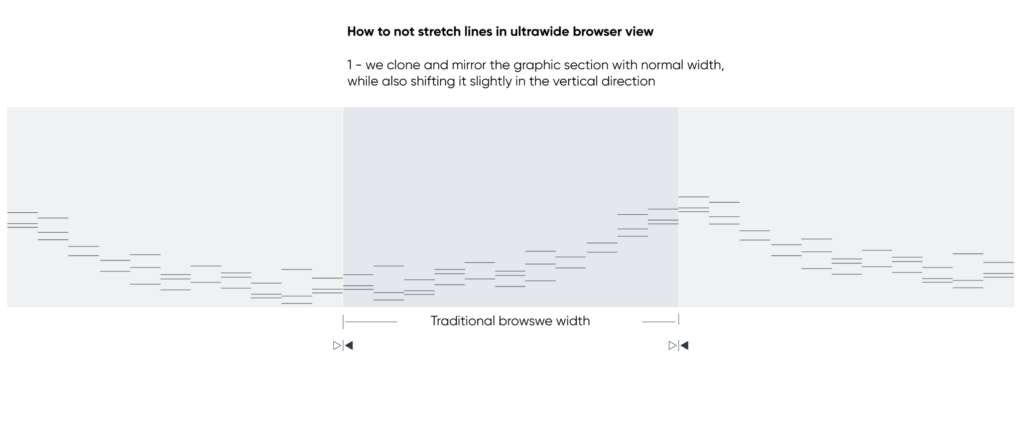
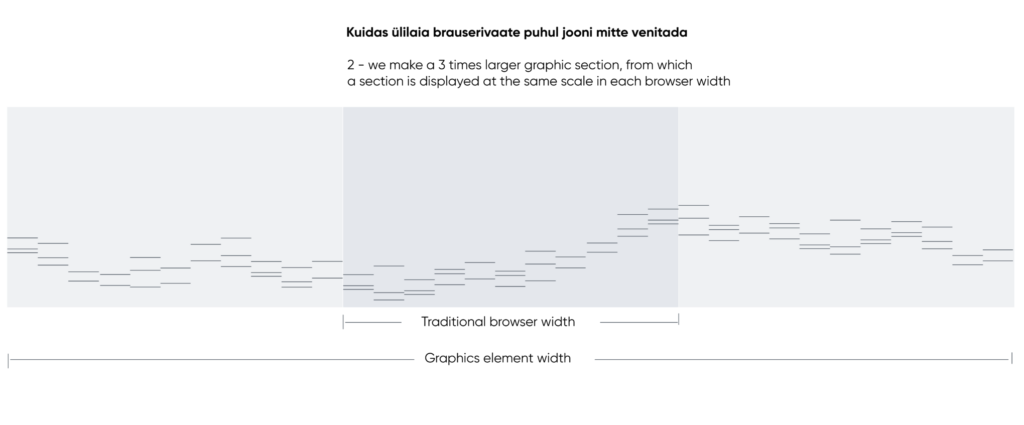
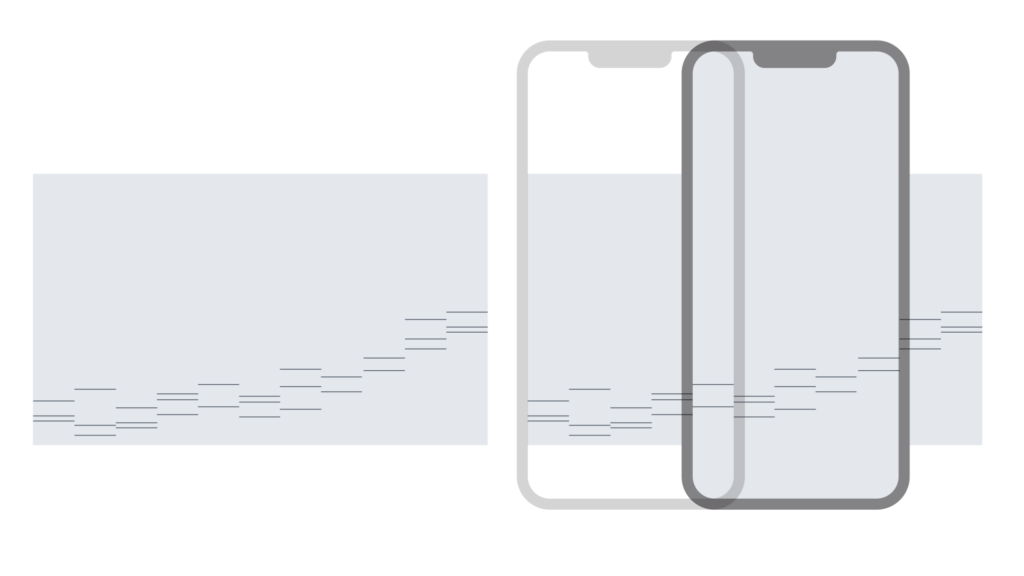
“Information Space” lines, special usecases